22.5 million
views across 21 of my phone-filmmaking posts on Instagram.
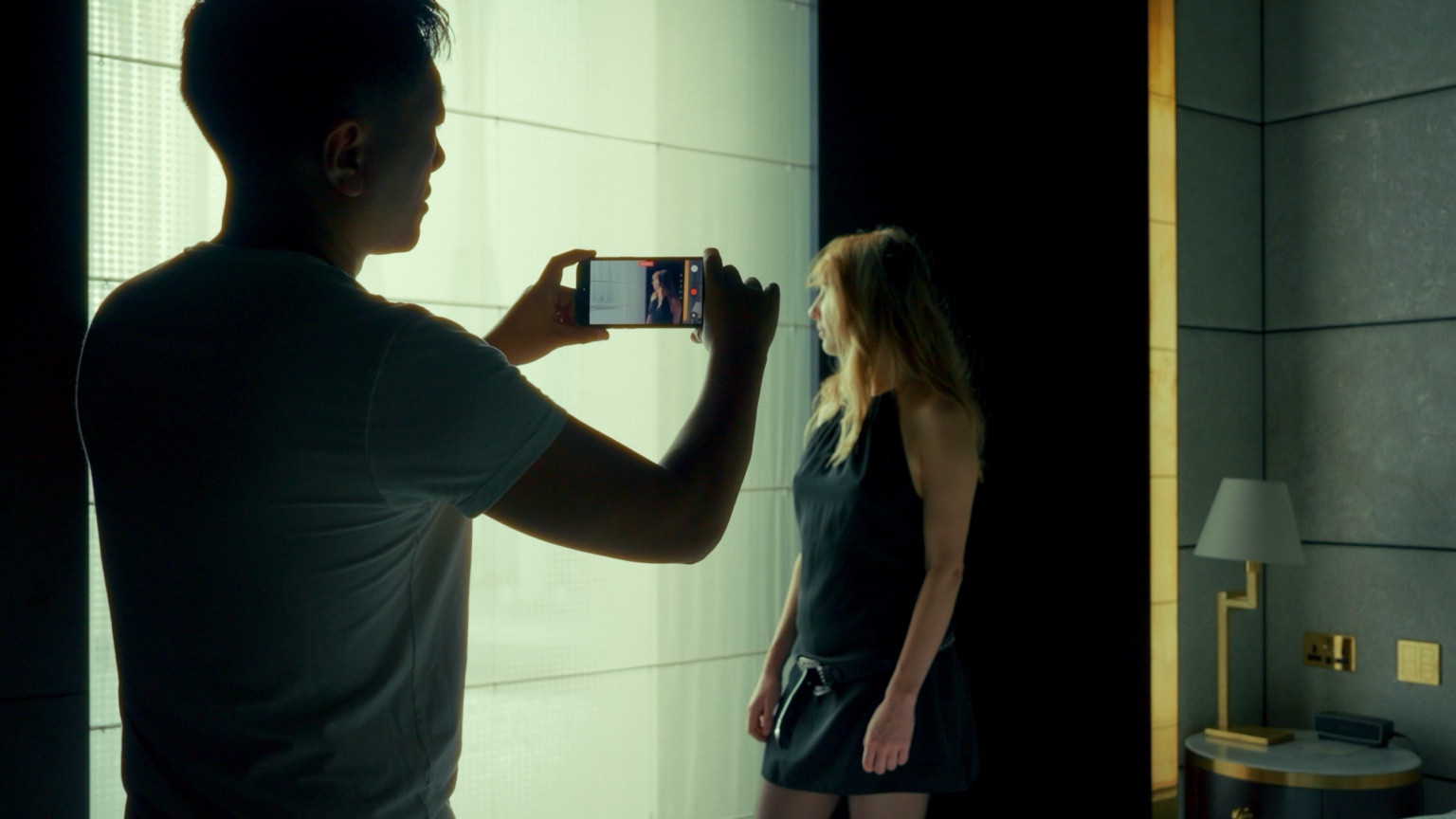
30 days. 1 lesson a day. 1 post every day.I’ll show you how I shoot, then you’ll try it on your own phone.You’ve got a phone and a few ideas. But when you hit record, it doesn’t quite look how you imagined.I’ll show you where I put the camera, how I find the light and what I change in the edit. Then you’ll pick up your phone and try it yourself.We’ll start with one simple shot near home and build from there. No experience needed.Plus a chance to win prizes.
Spots are limited. Doors close November 15th
No experience needed.
One filmmaking idea to work on. Framing, light, movement, sound or editing.
Try the technique on your phone and record your own shot.
Take what you’ve learned and put it out there. Then come back for the next lesson.
22.5 million
views across 21 of my phone-filmmaking posts on Instagram.
870,000+
views across 10 iPhone film uploads on YouTube.
Selected posts and uploads, checked 24 October 2026. Views aren’t unique viewers.
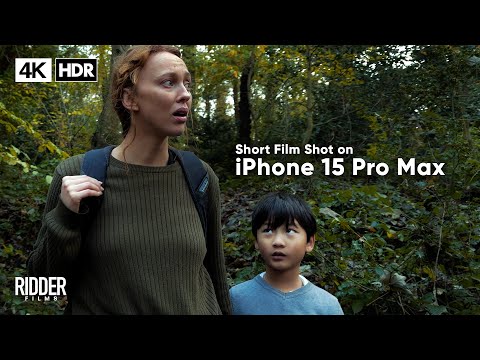 Play film ↗
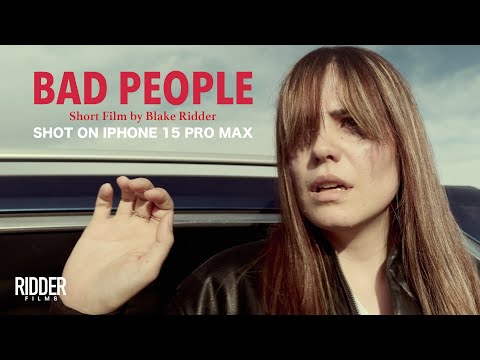
Shot on iPhone 15 Pro Max.
I’m Blake. I make films and teach filmmaking.
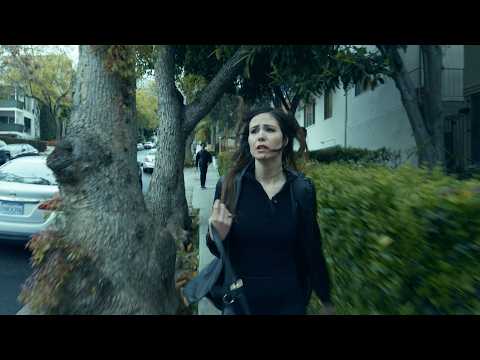
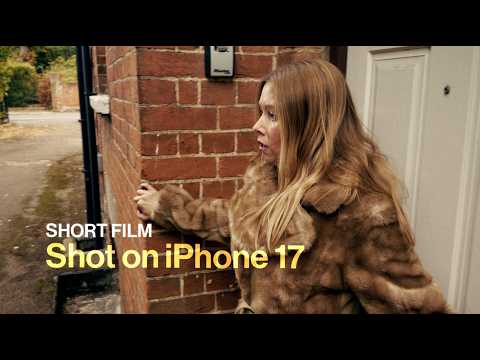
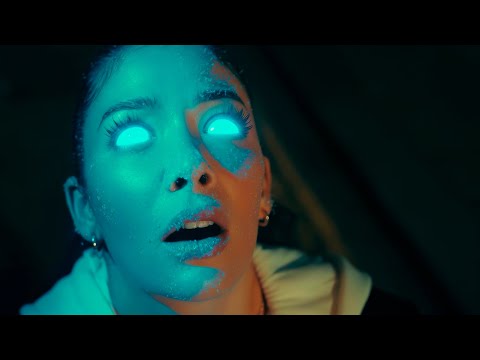
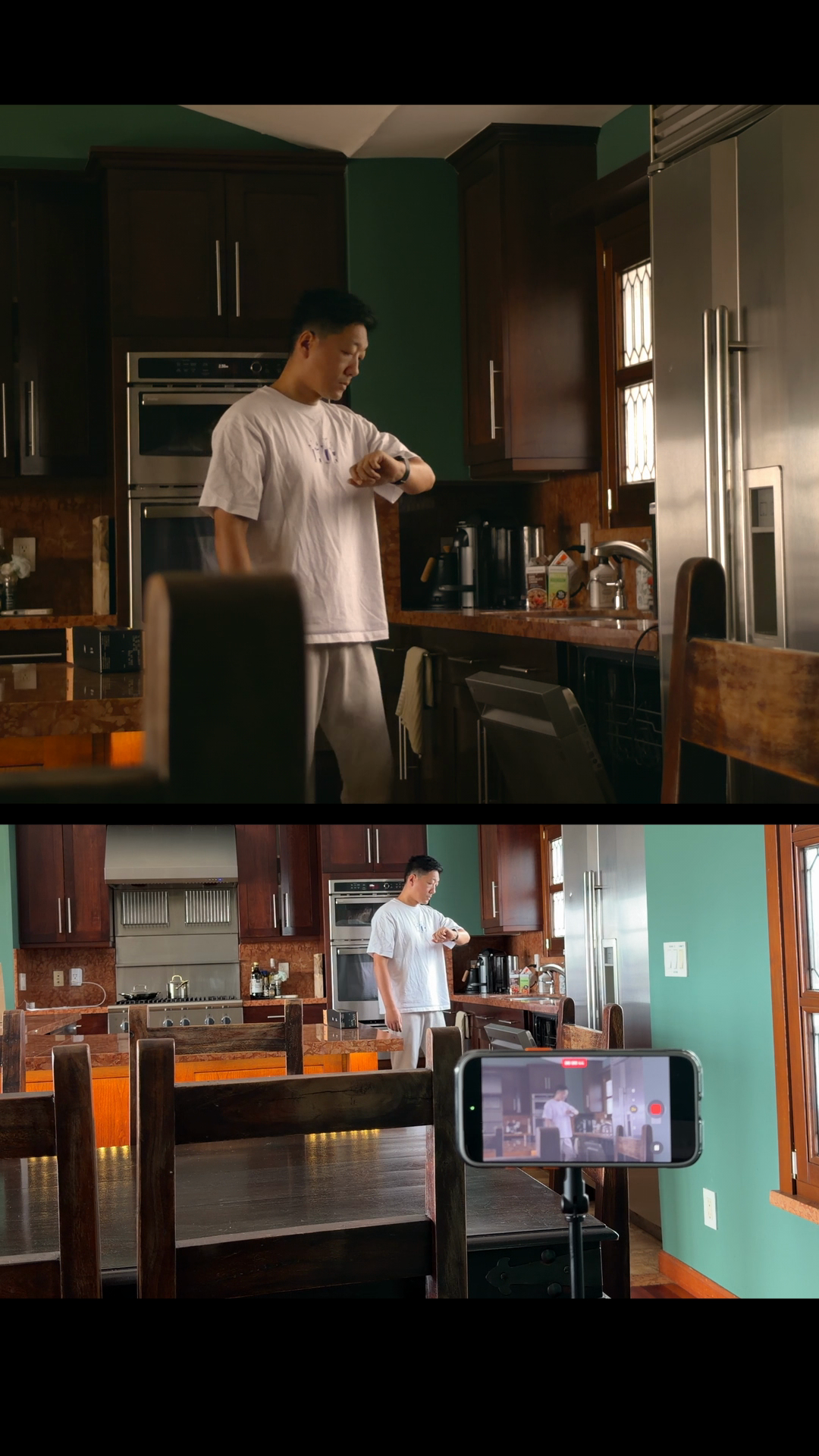
Here are three shots and the phone setups behind them.
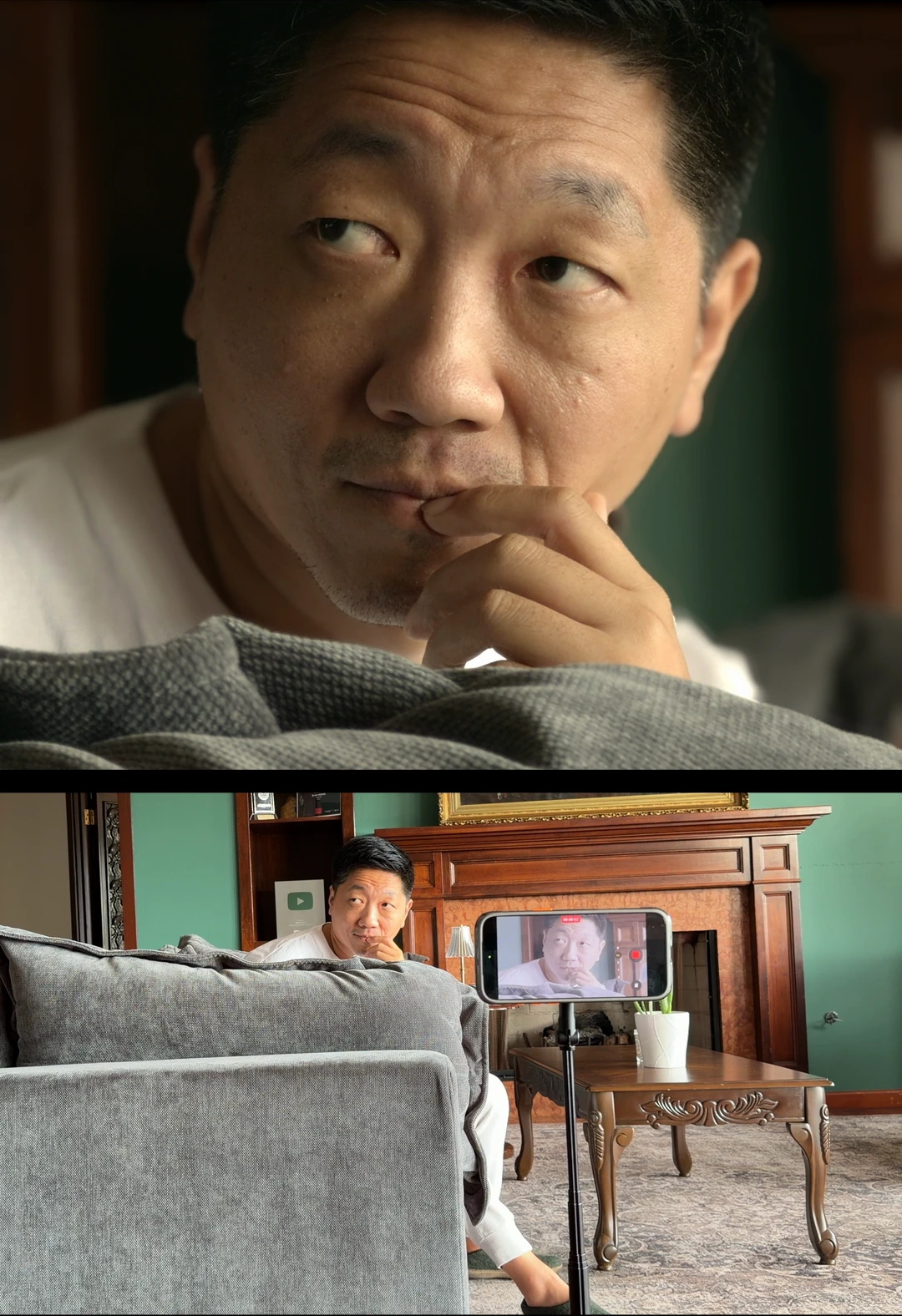
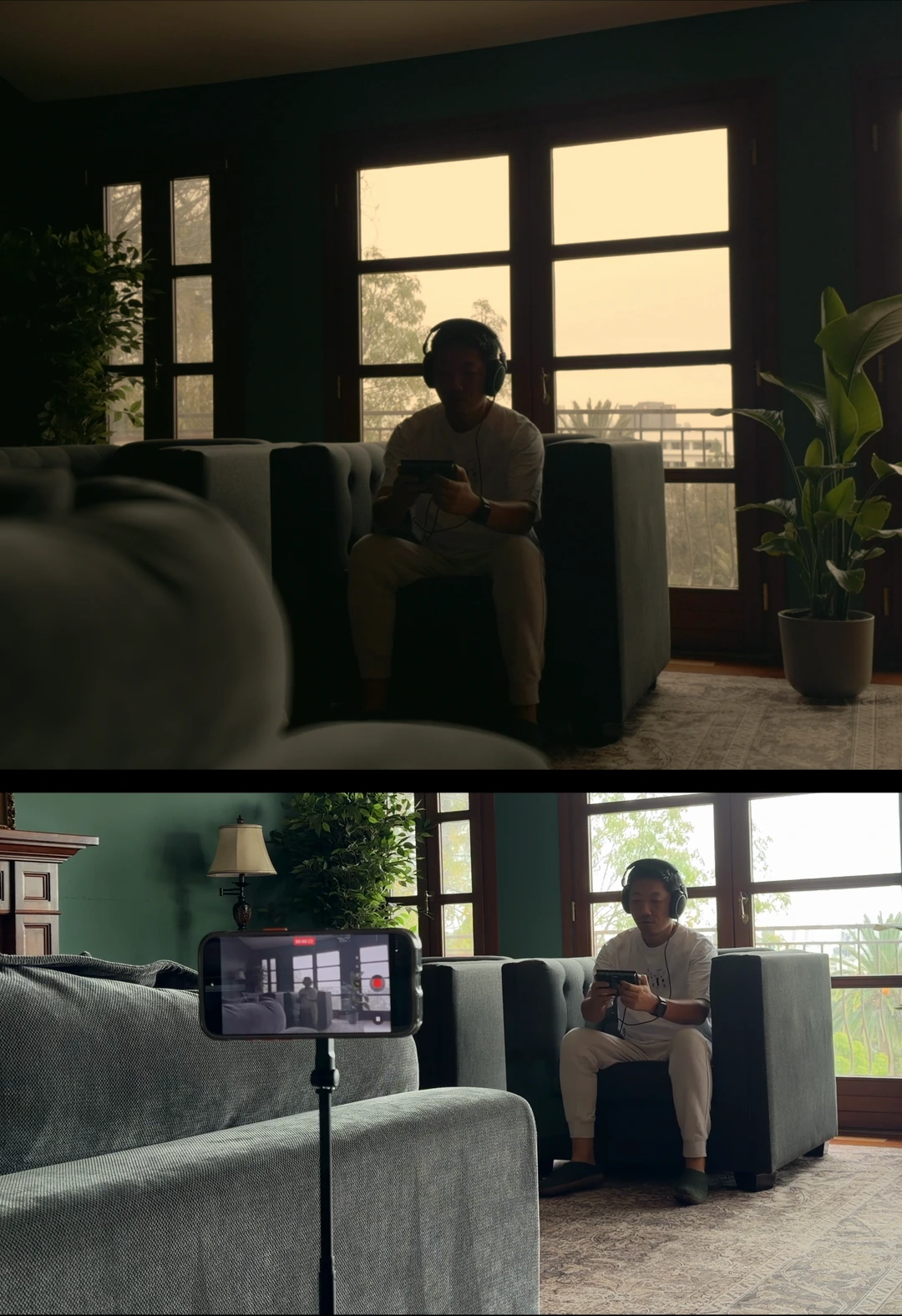
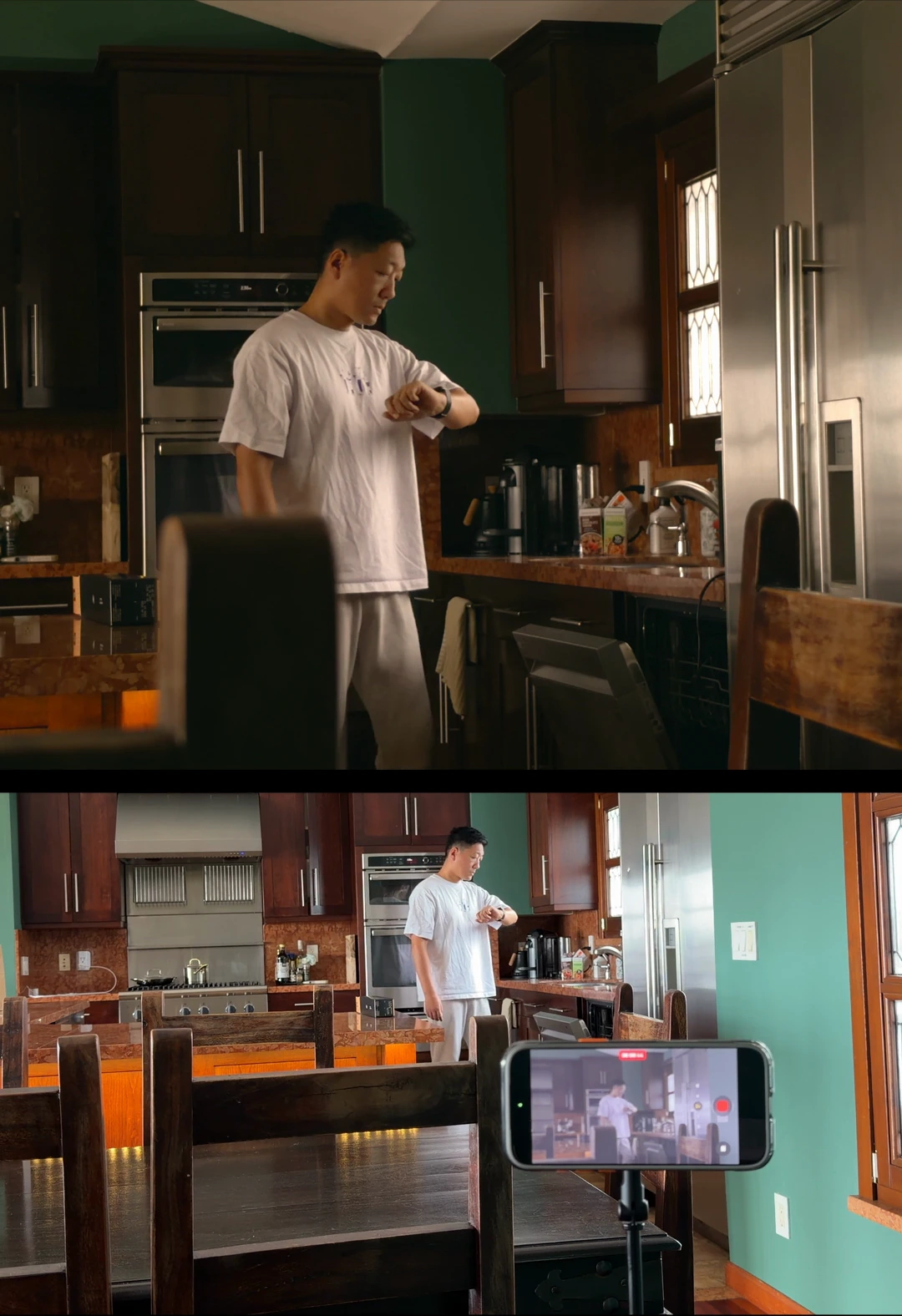
BUILD THE EYE
Steadiness, focus, light, framing and colour.
WHAT YOU’LL PRACTISE
Find an opening image near home. Learn to keep it sharp, work with available light, put yourself in the frame and give one good shot a restrained first look.
MAKE A SCENE
Continuity, performance, sound and editing.
WHAT YOU’LL PRACTISE
Build a scene from three shots, keeping your first colour treatment restrained. Keep the action continuous, hide a cut in movement and show what a character sees.
Try a delayed reveal. Compare a controlled pan with a small sideways depth reveal or a supported doorway opening, adding a human-scale shot only when useful.
Bring sound in before the picture, find a usable night image and use the location to tell us something.
WHAT YOU’LL MAKE
You’ll make: small scenes, from a three-shot moment to an action that unfolds in one take.
FINISH THE FILM
A small story, useful coverage and a finished export.
WHAT YOU’LL PRACTISE
Plan a story for one person and one location, then test its central choice in three shots. Capture the performance and the details the story needs.
Match the shots, give the colour a purpose and shape the edit around the story. Then watch the exported file with sound and check it before you post.
WHAT YOU’LL WORK TOWARDS
You’ll work towards: a finished 30–60 second phone film. A shorter complete story is fine too.
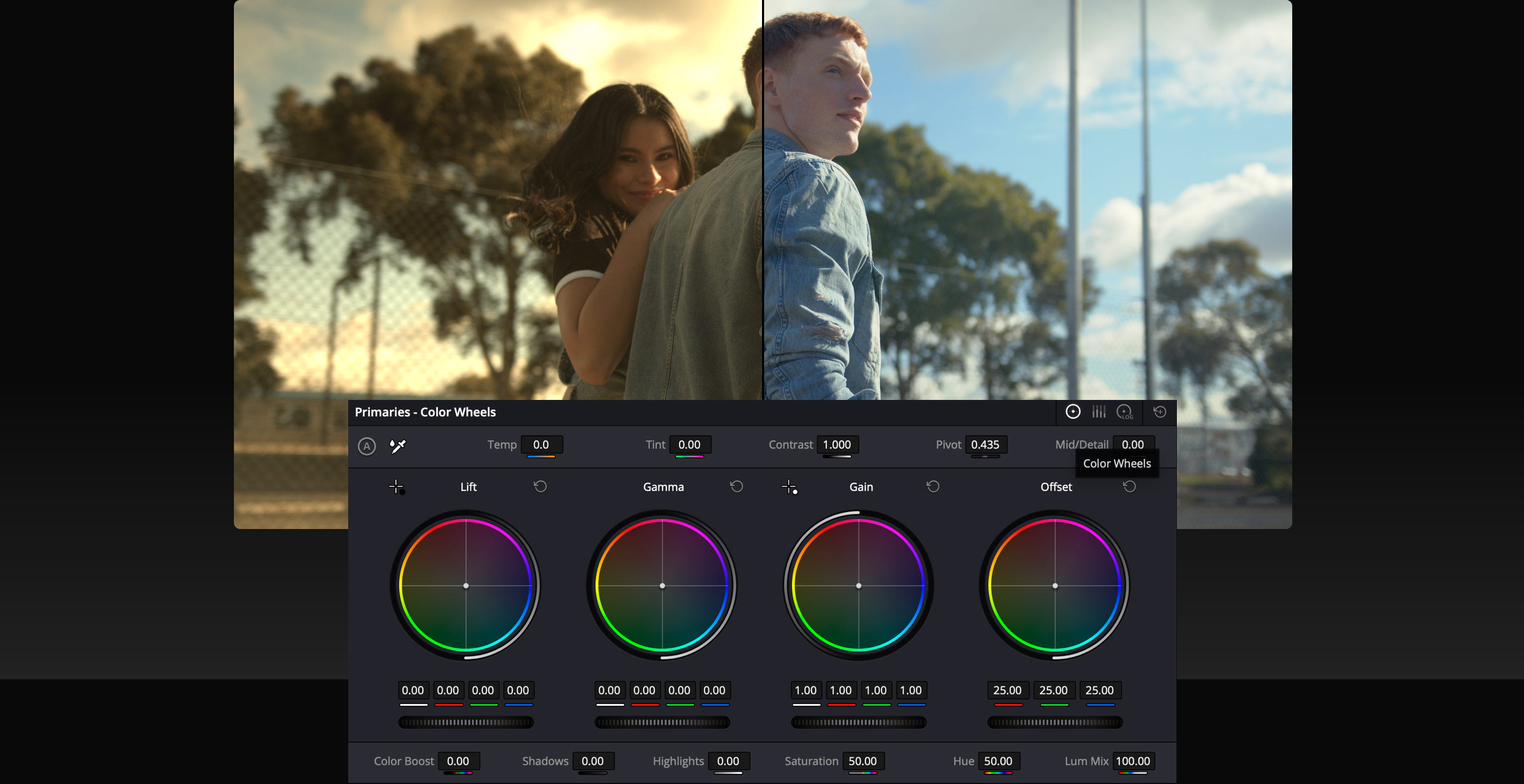
On Day 6, we’ll give one of your shots its first look. Correct what needs correcting, then try a small change to contrast, warmth or saturation.
On Day 24, we’ll match neighbouring shots. On Day 25, we’ll give the scene a consistent look that serves the story.
“Blake is the reason I didn’t wait for a real camera and expensive gear.”
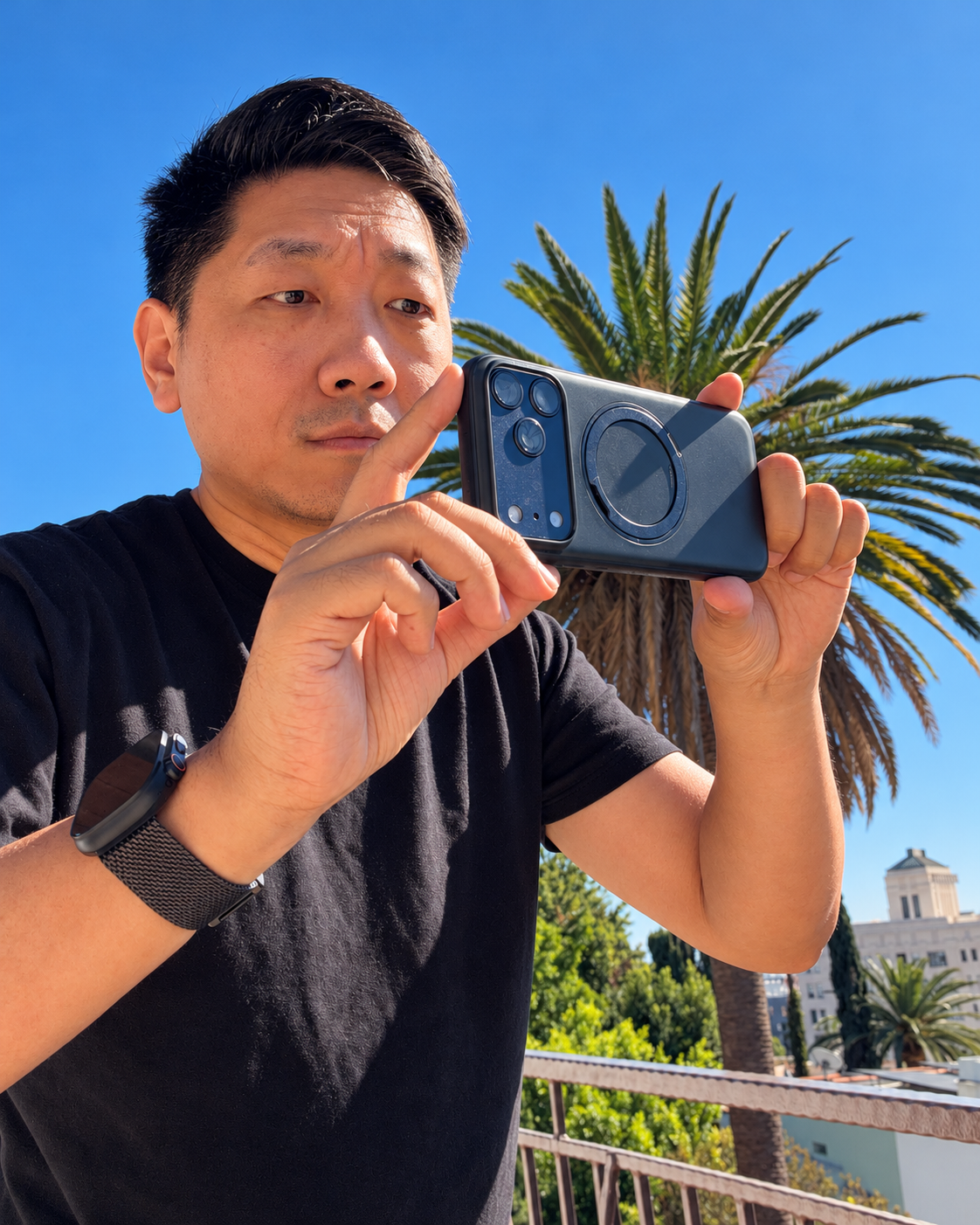
I nearly gave up filmmaking because I wasn’t making money from it.
So I gave myself 30 days. I shared my films, behind-the-scenes footage and tips for filming on a low budget.
One of the films I shot on a phone got me hired. That decision changed my life.
That’s why I made this challenge.

DAY 1
Record three steady versions of a view near home. Pick the strongest, trim it to 6–10 seconds and post it.
DAY 2
Reshoot using normal video and the focus and brightness controls your phone supports. Check the recording, then post a fresh 6–10 second shot.
DAY 3
Use a window or open shade. Find useful side light for a face or hand detail, then post an 8–12 second action.
Your first post doesn’t have to go viral. Each time you make and share something, you’re practising and giving people a chance to see what you can do.
This is a paid challenge. Pay in full or split it into three payments. No ongoing subscription.
Bring a recent iPhone or Android, an editing app and space for footage.
Both joining prices include the same lessons. Enrollment closes November 15th.
Prize entries close January 10, 2027. Starting your lessons later doesn’t move that deadline.
JOIN NOWSpots are limited. Doors close November 15th
THE GRAND PRIZE
A chance to win. Open worldwide to people over 18. Prize rules apply.
Prize rules ↗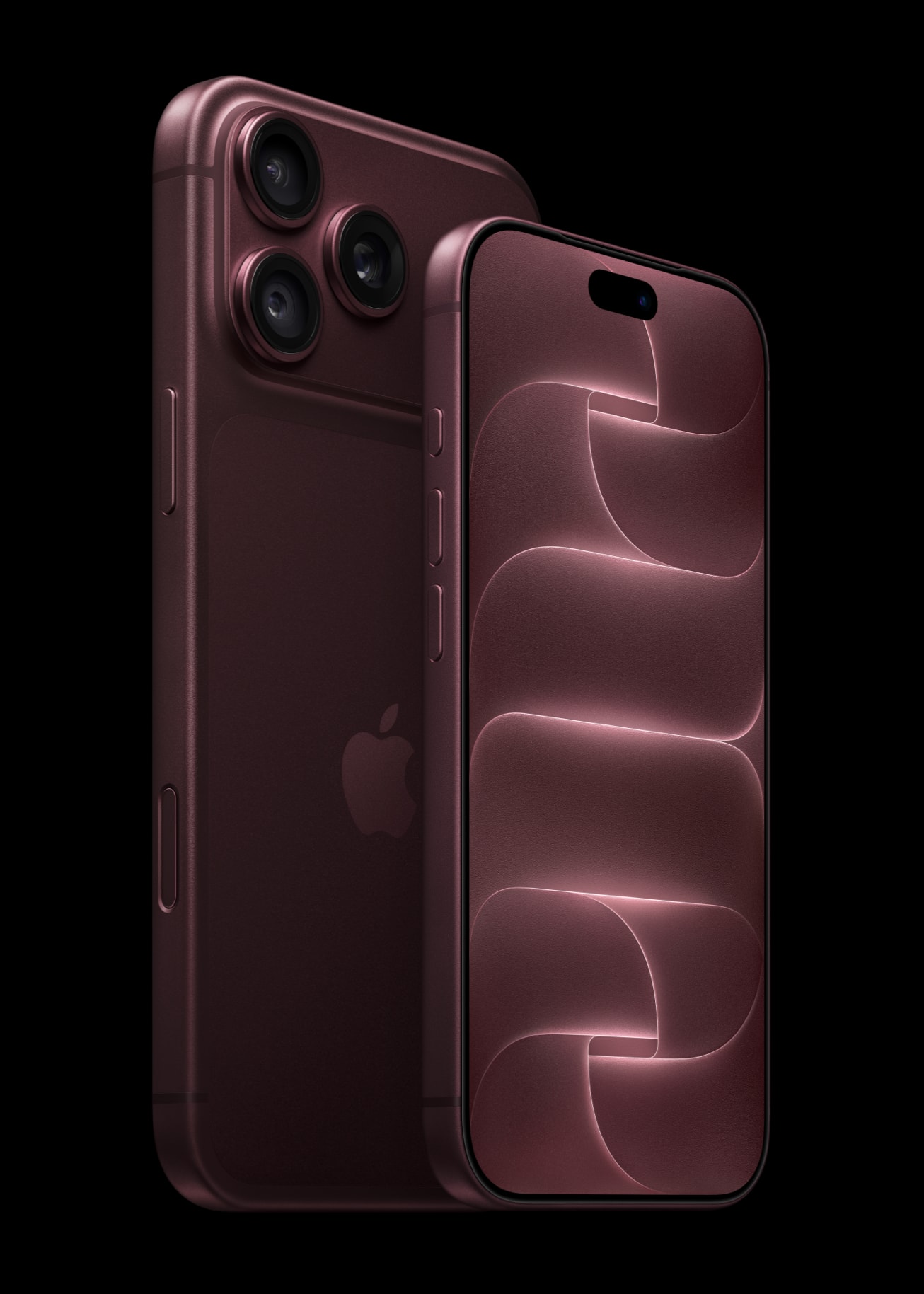
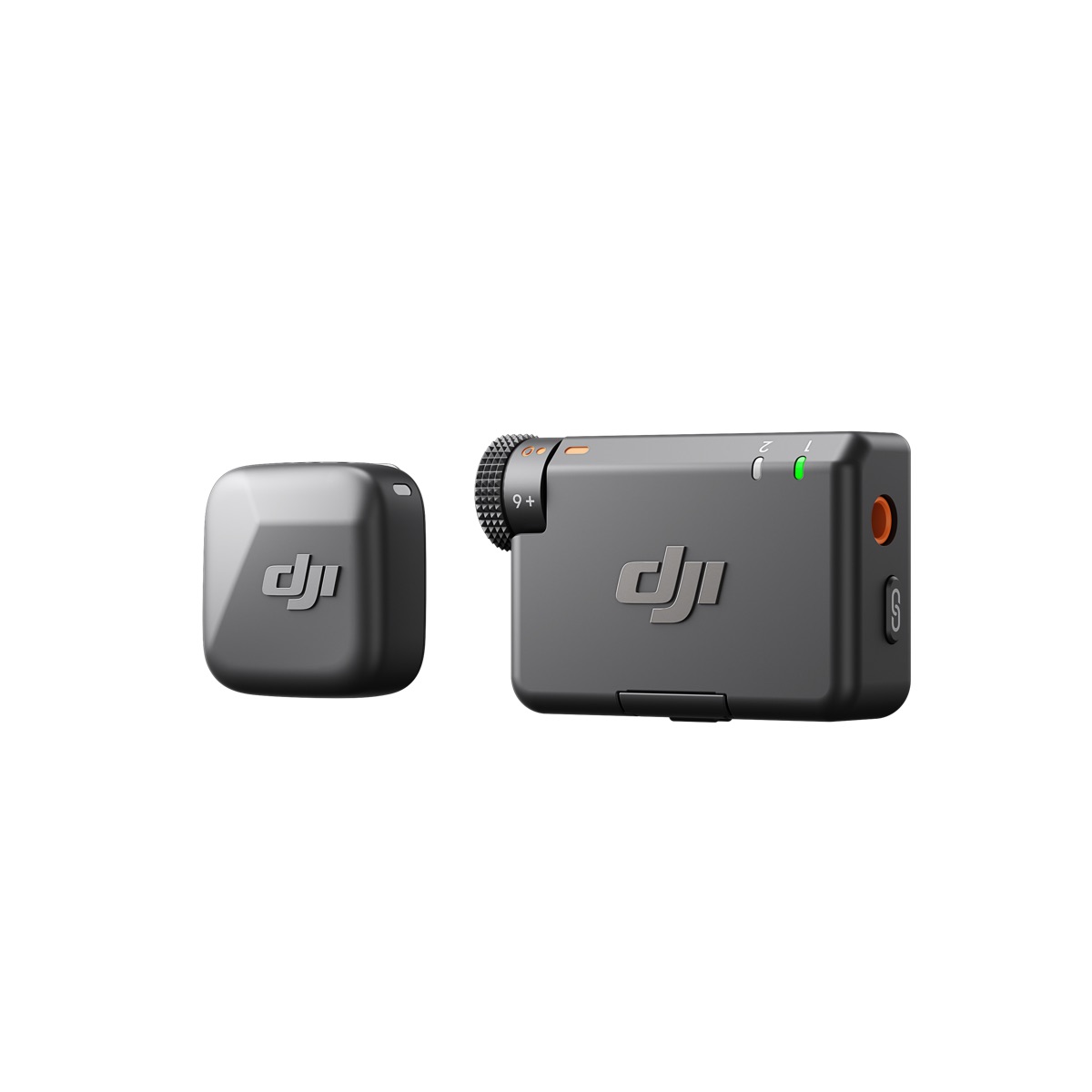
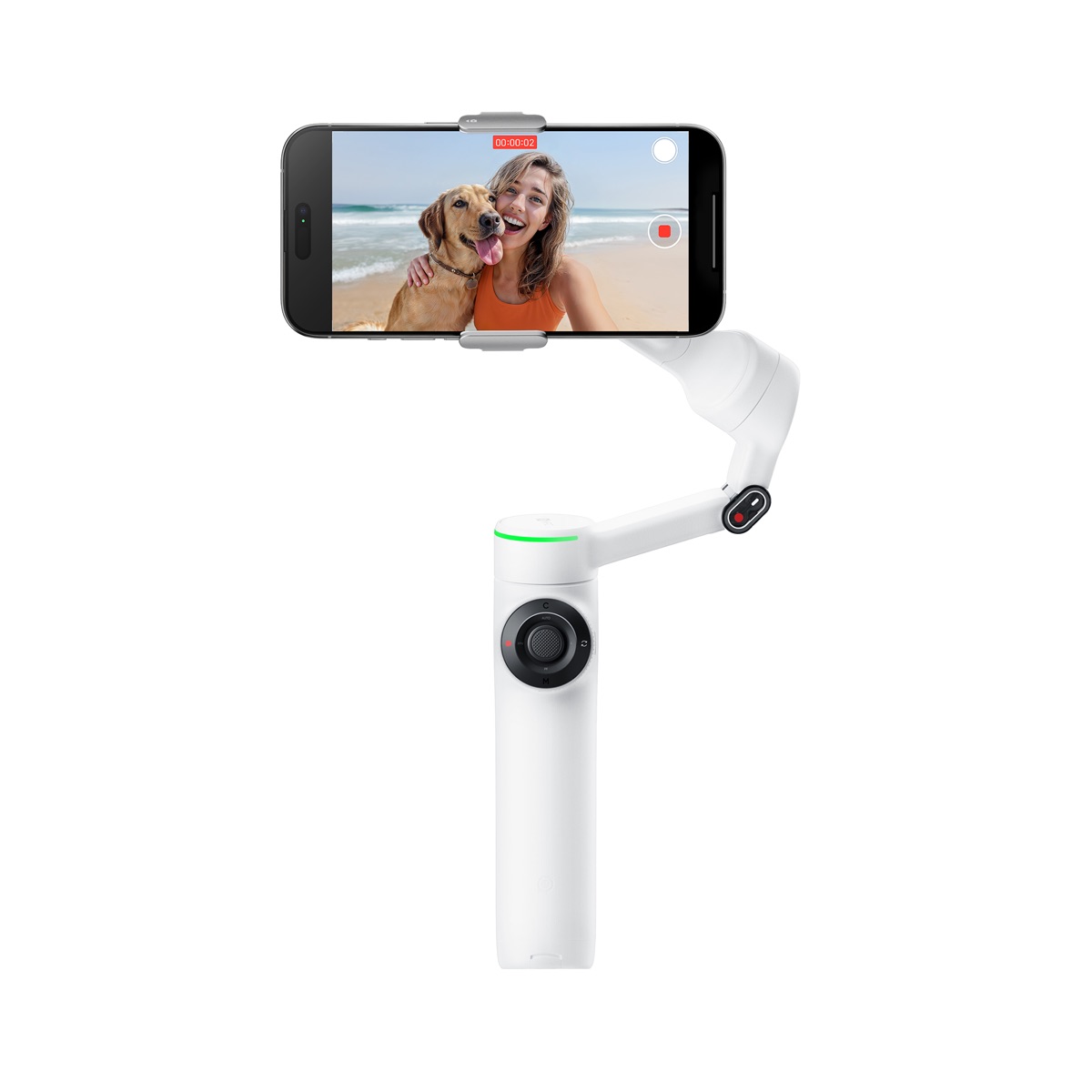
Entries close January 10, 2027 at 11:59 PM Pacific; all prize winners are drawn on January 15, 2027, and no prize is guaranteed. Prize rules
“clear, step-by-step approach”
“making even the most advanced concepts accessible”
You’ve seen my phone films. Now I’ll show you the decisions behind them: where I put the camera, how I use the light, why I move, what I cut and how I build the colour.
I use these skills to make films, not only to explain them. My work has reached millions of views, and I’ve directed features released on Apple TV and Prime Video.
Over 30 days, you’ll practise that way of thinking in your own footage. The aim isn’t to copy one of my shots. It’s to understand why it works, so you can make your own.
And that’s why you won’t find these lessons free on YouTube.
Let’s get you started on Day 1 of your 30-day challenge. Choose how you pay and keep lifetime lesson access.
Enrollment closes November 15, 11:59 PM Pacific.
$325
PAY IN FULL
Sign me Up$130×3
SPLIT PAY
Split ItSpots are limited. Doors close November 15th
No. You can start with zero experience. I’ll show you the technique, and you’ll try it on your phone.
Your personal sequence starts when you open your first lesson. Enrollment closes November 15th. The January 10, 2027 prize-entry deadline stays fixed, even if you begin your lessons later.
Yes. Pay in full or choose three payments. Either option gives you lifetime lesson access. There’s no ongoing subscription. The joining options and deadline are shown above.
A recent iPhone or Android, space for footage, internet access and an editing app. Use secure phone support for solo shots. You don’t need a new camera, gimbal, microphone, lighting kit or crew to begin.
Keep lifetime lesson access after enrollment closes. Both joining prices include the same lessons. Sign in to your lessons ↗
Yes. Use your preferred editor. I demonstrate in DaVinci Resolve, and you can use the equivalent tools on your phone or computer.
Once you access the challenge, no voluntary refund is available. Your rights under applicable consumer law are not affected. For support, use the contact form inside the challenge.